Step 1
Read the participation notes first
Confirm how the link is distributed, where feedback should go, and what the beta rules are before joining.
Read the notes and benefits first, then scroll to the bottom to join the group and get the latest beta link.
Follow this order.
Confirm how the link is distributed, where feedback should go, and what the beta rules are before joining.
Install TestFlight from the App Store ahead of time so the group invite can be used immediately.
After reading this page, scroll to the bottom and scan the QR code. The newest beta link is shared in the group.
Confirm the items below first.
The beta link is distributed only in the feedback group. Link updates, install issues, and product feedback are also handled there.
Install TestFlight from the App Store first so you can use the newest beta invite as soon as you enter the group.
If you hit an issue, have feedback, or notice something unusual, sync it in the group so we can follow up quickly.
The benefits for this beta are below.
Purchases in the beta environment are only for flow validation and do not create real charges.
This beta includes 7 days of Pro access, and the same entitlement can still be used in the public release.
The group provides the latest TestFlight invite and install instructions.
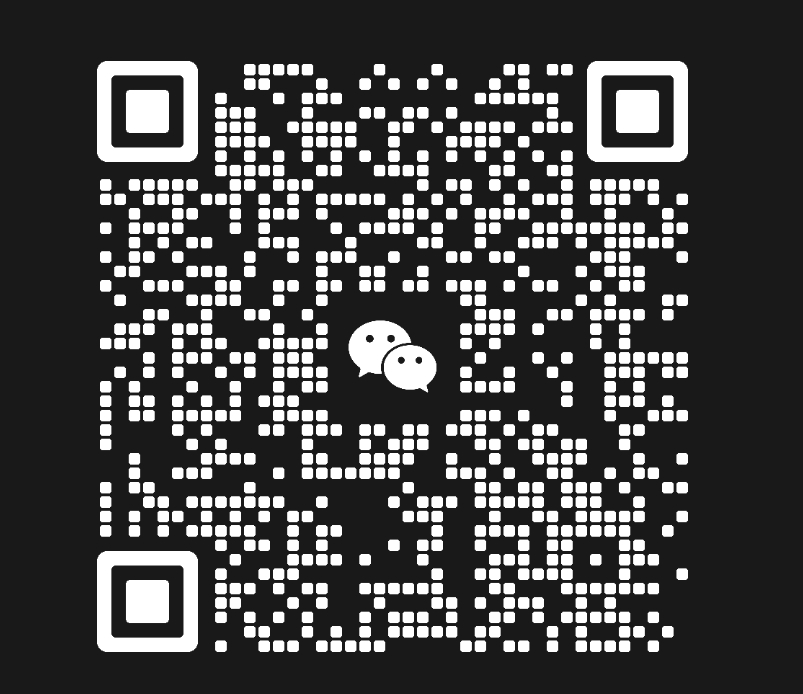
After you join, please check the pinned messages and group notice first. Link updates, install issues, and product feedback are all synced there.